
How to Automate Appointment Scheduling
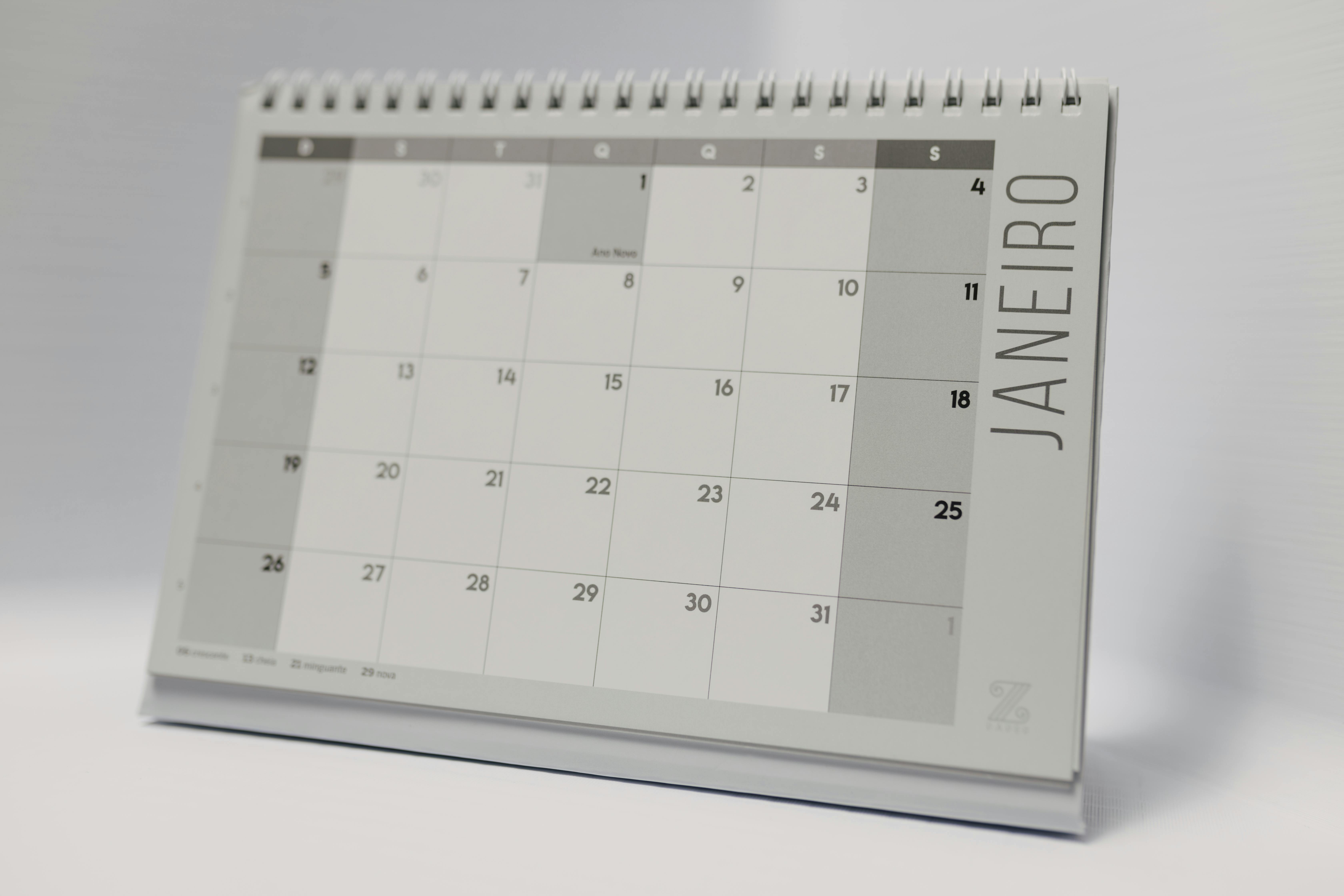
Appointment scheduling for a home service business has a mix of one-off visits and predictable, repeating work. Automating the predictable part frees up time for the parts that genuinely need a human judgment call.
Start with anything that repeats on a schedule
If a customer gets the same type of visit every week, month, or season — a pool maintenance route, a lawn care visit, an HVAC tune-up — that appointment doesn't need to be manually rebuilt every cycle. Set it up once as a recurring appointment and let it populate the calendar automatically.
Automate the reminder, not just the booking
A large share of no-shows and last-minute cancellations come down to a customer simply forgetting. An automated reminder — text or email — sent a day (or a few hours) before the appointment cuts down on this without anyone on your team having to remember to send it.
Use availability rules instead of manual checking
Rather than a dispatcher manually checking whether a technician is free before every booking, set clear availability rules (working hours, existing appointments, travel buffer) so the system can only offer slots that are actually open. This is what prevents double-bookings when multiple people — staff or an AI receptionist — are booking against the same calendar.
Trigger follow-up automatically after the visit
Once an appointment is complete, a review request, a follow-up message, or a reminder about the next recurring visit can go out automatically instead of relying on someone to remember. This is where scheduling automation quietly turns into a marketing advantage.
Keep a human in the loop for anything unusual
Automation works well for the predictable 80% of appointments. Emergency calls, unusual requests, or a customer who wants to negotiate timing should still route to a real person — automating scheduling isn't about removing judgment where it's actually needed.
What this looks like end to end
A pool service customer's biweekly visit populates on the calendar automatically for the season. A reminder text goes out the day before. The technician updates status from their phone during the visit. A follow-up message goes out afterward. No one on staff had to touch the calendar for any of it.
ServiceGuru Pro's scheduling supports recurring appointments out of the box, and the automations engine handles the reminders and follow-ups automatically. Start a free trial to set up your first recurring schedule.